


Type quicker and without mistakes
When you use the computer all day, and you're typing for a long time, your fingers start to get used to writing texts. But we don't always write properly, or we may need to increase our speed to be more productive. In these cases, Rapid Typing is an application that can come in very handy.
Improve your typing technique
Rapid Typing has an interface that is somewhat childish, mainly due to the fact that it is better to help the children to quickly learn how to write properly with a keyboard as soon as possible, but it can be used by people of all ages.
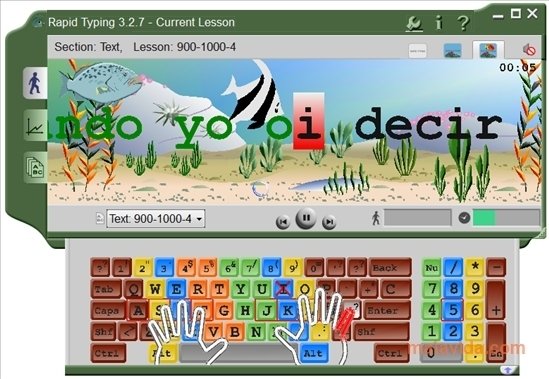
Everything is very graphical and with animations, even to the point in which we will see a graphic representation of the finger that has to be used to press each key as we advance in the exercises.
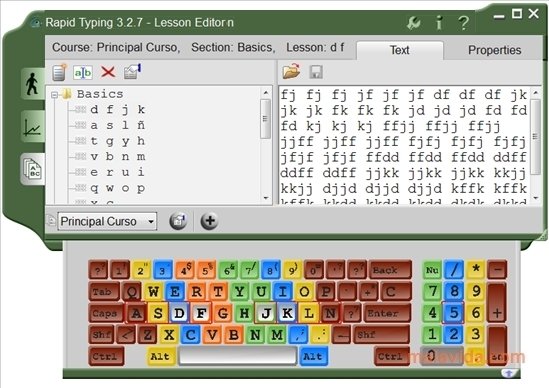
The program has several levels in which we'll be able to learn such basic things as where each key is, to a level that will include writing full words that are complicated like those that are stressed or hyphenated. And all with the same purpose, for you to write quicker each time and without having to look at the keyboard.
Requirements and additional information:
The texts to be typed in are available in several languages.
 Héctor Hernández
As a technology journalist with over 12 years of experience in the world of software and apps, I have had the opportunity to try all kinds of devices and operating systems over the years. I have done from software or mobile applications reviews...

Antony Peel